Guide
Speed Up Podcasts Without the Chipmunk Voice
Faster playback saves time on familiar shows, lecture recordings, and research interviews—until naive speed changes turn hosts into chipmunks. This guide explains pitch-preserving tempo changes, sensible speed ranges for speech, and an Audio Lab workflow that stays listenable.
Why fast audio becomes chipmunk audio
Simple playback-rate changes make every sample arrive sooner. That shortens the file and raises pitch at the same time. Voices get thinner, music keys shift up, and sibilants can turn sharp. The effect is obvious above about 1.15x with naive resampling, and extreme by 1.5x or 2x.
Pitch-preserving tempo processing aims to change duration while keeping the perceived pitch of voices and instruments closer to the original. That is what you want for podcast review, transcription prep, and language study. Audio Lab’s Change Speed tool is built around that idea. For the broader method, see how to change audio speed.
Pitch preservation is not magic. Large ratios still create artifacts—smearing, warble, or metallic consonants—especially on dense music beds, applause, or overlapping speakers. The practical skill is choosing a speed that saves time without making comprehension worse.
Pick a speed for the job
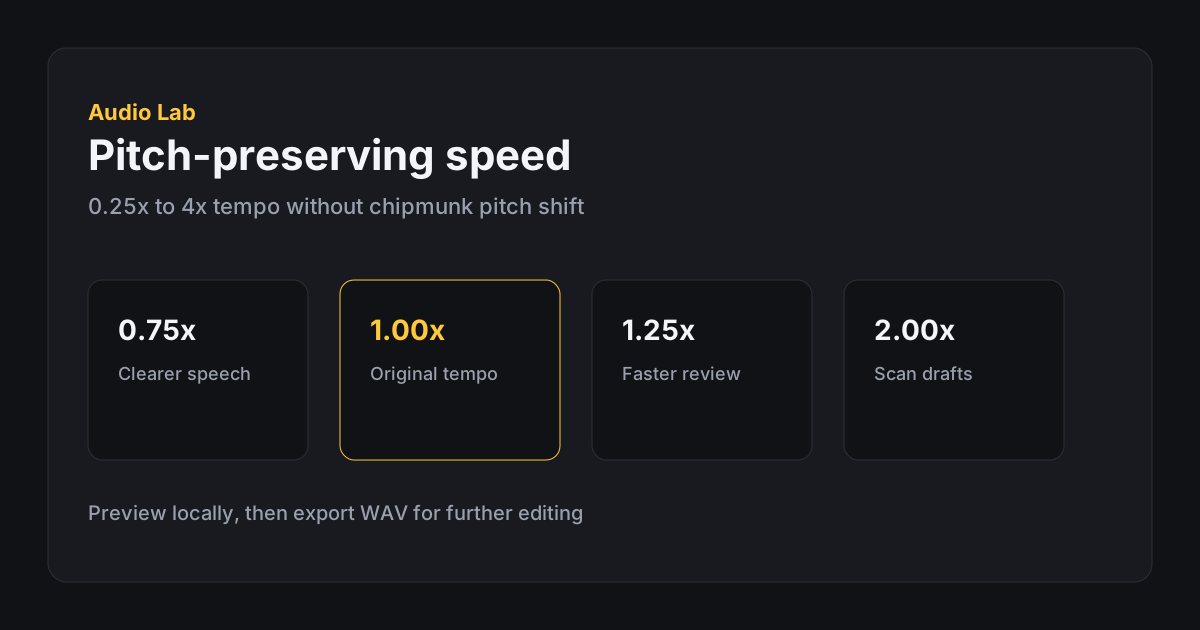
For first-time listening to complex topics, stay near 1.0x to 1.15x. You want comprehension, not a personal record. For familiar weekly shows where you already know the hosts’ cadence, 1.25x to 1.5x is a common sweet range. For skimming chapters you may skip, 1.75x to 2.0x can work if you accept that names and numbers may blur.
Slowing down helps too. Interviews with fast speakers, soft accents you are still learning, or noisy field recordings often benefit from 0.8x to 0.9x before you attempt transcription. Slowing is still pitch-preserving in the speed tool, so you should not get the “demon voice” effect of naive rate changes.
Match speed to content density. Comedy timing, musical cues, and emotionally precise storytelling often suffer above 1.25x even when words remain intelligible. News-style speech and tutorial voiceover usually tolerate higher ratios.
Build a personal matrix: show type on one axis, familiarity on the other. A weekly industry news roundup you have heard for years can sit higher than a one-off investigative episode with dense legal names. Update the matrix when a host changes, because a new cadence often lowers your comfortable ceiling overnight.
A clean podcast speed workflow
If the episode file includes long ads, silence, or a cold open you do not need, trim first in Trim Audio. Speeding a two-hour file you plan to sample for five minutes wastes processing time and attention. Extract the chapter or segment, then load that shorter clip into Change Speed.
Start with a preset near your target, preview, then nudge. Jumping straight to 2.0x makes it harder to know whether artifacts come from the algorithm or from an unrealistic goal. Listen to consonants, host crosstalk, and any music stings—these reveal problems sooner than steady mid-sentence vowels.
Check the beginning, a dense middle section, and the end. Tempo artifacts are not always uniform. If one chapter bed sounds rough while dry speech is fine, consider trimming music-heavy transitions and speeding only the talk segments as separate exports.
On long files, processing time in the browser scales with duration and how far you move from 1.0x. If previews feel slow, that is a hint to extract a shorter working region first. You will iterate faster on a twelve-minute chapter than on a ninety-minute download, and the final quality checks will be more honest because fatigue will not dull your ears halfway through.
- Trim to the section you will actually use Extract a chapter or quote region before processing a full episode when possible.
- Choose a modest ratio Try 1.25x for familiar speech or 0.9x for careful study, then adjust in small steps.
- Preview critical moments Listen for names, numbers, overlap, and music beds—not only the opening host chat.
- Export a labeled review copy Save something like show-name-1p25x.wav so you never overwrite the archive episode.
When speed is the wrong fix
If a podcast feels long because of dead air or repeated explanations, editorial trimming may help more than tempo. If it feels hard because it is quiet or noisy, fix level first with Change Volume. Speeding a muffled recording often makes muffling more obvious.
If you need broadcast-polished time compression for a published show, a full DAW with multiple stretch algorithms may offer more control. Audio Lab is optimized for practical browser-side tempo changes on everyday files, not mastering a commercial release.
For accessibility and note-taking, remember that faster is not always better. Students and researchers often retain more at a slight slowdown with clearer enunciation than at a heroic 2x skim they must replay three times.
Quality checks for speech at higher speed
After processing, spot-check: proper nouns, URLs spoken aloud, product names, and numbers. These fail first when tempo processing smears transients. If hosts laugh over each other, higher speeds can turn overlap into mush—drop closer to 1.0x for those segments.
Headphones help you hear warble that laptop speakers hide. If the voice sounds watery, move toward 1.0x. If the voice is clear but still too slow for your goal, try an intermediate value like 1.35x instead of leaping to 1.8x.
Export WAV when the sped file will be clipped further or placed into video. If you only need a temporary review copy and your browser offers a compressed export, that can be enough—just do not use a lossy skim file as your only archive. See MP3 vs WAV vs M4A when delivery size matters.
Practical listening recipes
Familiar interview show for chores: trim ads if needed, then 1.4x. Technical lecture you will annotate: 0.9x first pass, notes, then 1.15x second pass. Podcast clip for social: extract the quote at 1.0x, and only speed if the platform post needs a tighter pace—social viewers forgive speed less than solo reviewers do.
Keep a personal ceiling. Many people discover that comprehension collapses above a certain ratio even though words are technically recognizable. That ceiling is your real maximum, not the tool’s slider range.
Batch review without burning out
If you process several episodes in one sitting, alternate ratios instead of forcing everything to your absolute maximum. Ear fatigue makes artifacts harder to notice and makes bad compromises feel acceptable. Take short breaks, and keep water nearby—dry attention leads to chipmunk-adjacent decisions even with pitch preservation on.
Store labeled review copies in a dated folder. When a show’s mix changes—new theme music, louder ads, heavier compression—you will want last month’s working ratio as a reference rather than guessing from memory. Audio Lab gives you the transform; your naming habit gives you the history.
When sharing a sped review copy with a teammate, disclose the ratio in the filename or message. Otherwise they may judge host pacing unfairly or request “fixes” to a file that was intentionally accelerated for private skim use only.
- Working from a copy, not overwriting the original episode
- Trimmed away sections you will never listen to
- Pitch-preserving speed tool used (not naive chipmunk resampling)
- Ratio chosen for comprehension, not ego
- Names, numbers, and overlaps spot-checked
- Export clearly labeled with the speed used
- Teammates told when a file is a sped review copy
FAQ
Frequently asked questions
Will Audio Lab make voices higher when I speed up?
The Change Speed tool is designed to preserve pitch, so you should not get the classic chipmunk rise of simple playback-rate changes.
What speed is best for podcasts?
Many people land between 1.25x and 1.5x for familiar speech. Start lower for dense or new material and raise only while comprehension stays solid.
Why do I hear artifacts at high speed?
Pitch-preserving processing has limits. Music beds, applause, and overlapping talk expose those limits sooner—use a milder ratio or process talk segments alone.
Can I speed only part of an episode?
Trim the section first, export it, then run Change Speed on that shorter file. The speed tool applies to the full loaded audio.
Should I speed up before or after volume fixes?
If the episode is hard to hear, fix volume first on a copy. Speeding a quiet, noisy file rarely improves understanding.
Is a sped file okay to publish as the official episode?
Usually no. Keep sped versions for private review or study unless the show’s creative intent specifically calls for tempo changes.