Audio tool
Reverse Audio Online - Free Audio Reverser
Load a file and flip the complete waveform from end to start. Reverse Audio is useful for sound design, transitions, experiments, and checking how a clip behaves backwards.
What reversing changes
Reversing does not change the level, pitch, or tempo by itself. It changes the time direction of the samples, so attacks become tails and natural fades can become sudden openings.
Preview before exporting, especially with speech or music, because the reversed file can have a very different shape from the original. The guide How to reverse audio online covers creative uses and preparation tips.
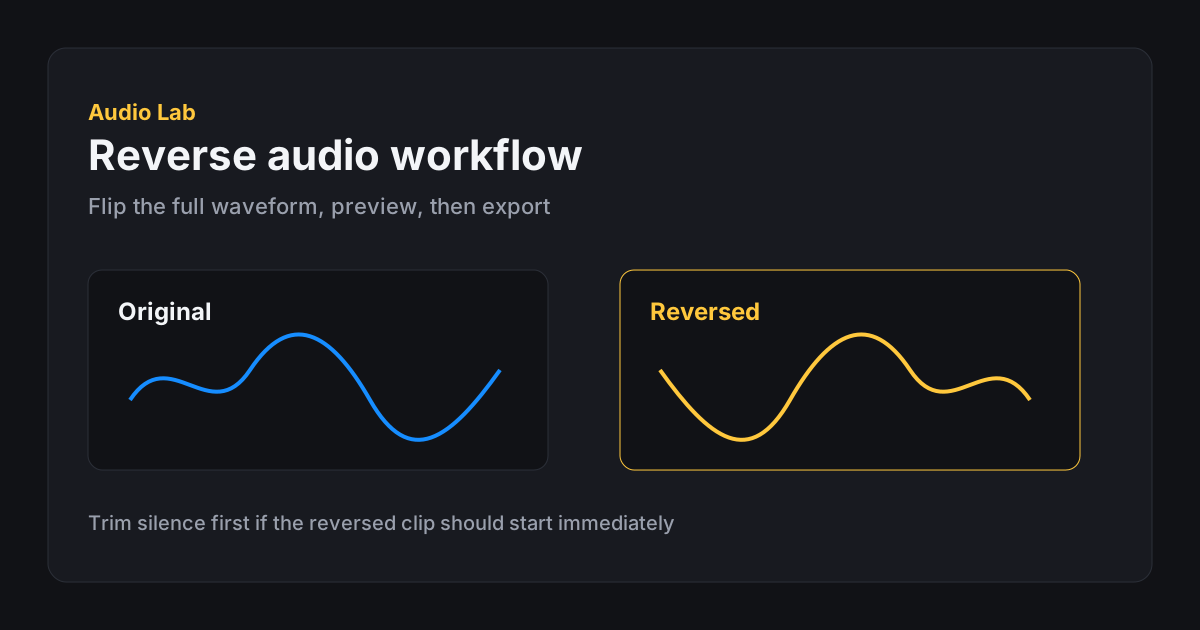
Step-by-step reverse workflow
Open Reverse Audio, load a file, and preview. If the source ends with long silence, that silence becomes a slow start after reversing. Trim first when you want an immediate opening.
Listen to both edges of the reversed file. A fade-out in the original becomes a fade-in when reversed, which can be perfect for risers and transitions.
- 1. Prepare the source Trim silence or isolate the useful section first when needed.
- 2. Load into Reverse Import the clip into the reverse tool workspace.
- 3. Preview Play the reversed waveform and check the new beginning and ending.
- 4. Adjust if needed Export, then use volume or trim tools for cleanup in a second pass.
- 5. Export Save WAV/AIFF for further editing or a compressed option for quick sharing.
Creative uses and limits
Reversed cymbals, vocals, and reverb tails are classic transition tools. Short effects can become less recognizable and more atmospheric. Speech usually becomes unintelligible, which can be useful for textures but not for normal dialogue.
Audio Lab reverses the complete loaded file. To reverse only one part, trim that part first. Local processing details are covered in Local vs upload audio editors.
- Trim trailing silence before reversing when you need an immediate start.
- Preview the new opening carefully — original endings become beginnings.
- Name exported files clearly; reversed clips are hard to identify later.
- Keep an uncompressed copy if you will layer the result in another editor.
FAQ
Frequently asked questions
Does it reverse the entire file?
Yes. The reverse tool flips the complete audio from end to start.
Can I preview before exporting?
Yes. Press Play or Space to hear the reversed audio before you download the file.
Which export formats are available?
Export as WAV or AIFF, with optional peak normalize and mono output.
Can I reverse only part of a file?
Trim the section first, export it, then reverse that shorter clip.
Does reverse reduce quality?
Reversing sample order is not lossy. Export format choice can affect quality if you choose a lossy format.
Why does my reversed clip fade in?
An original fade-out becomes a fade-in when time direction is flipped.